Offices and Professional Services
Keep email, shared files, printers, and employee access from slowing down the day.
Northwest Wisconsin IT checkups
Get a plain-English review of your email, Wi-Fi, computers, backups, and account access before a small issue becomes downtime.
Fixed starting price. No long-term contract required. You get a prioritized report before deciding on follow-up work.
If the Technology Health Check is not the right first step, I will say so before work starts.
For businesses without in-house IT
Plain-English findings
Starting at $399
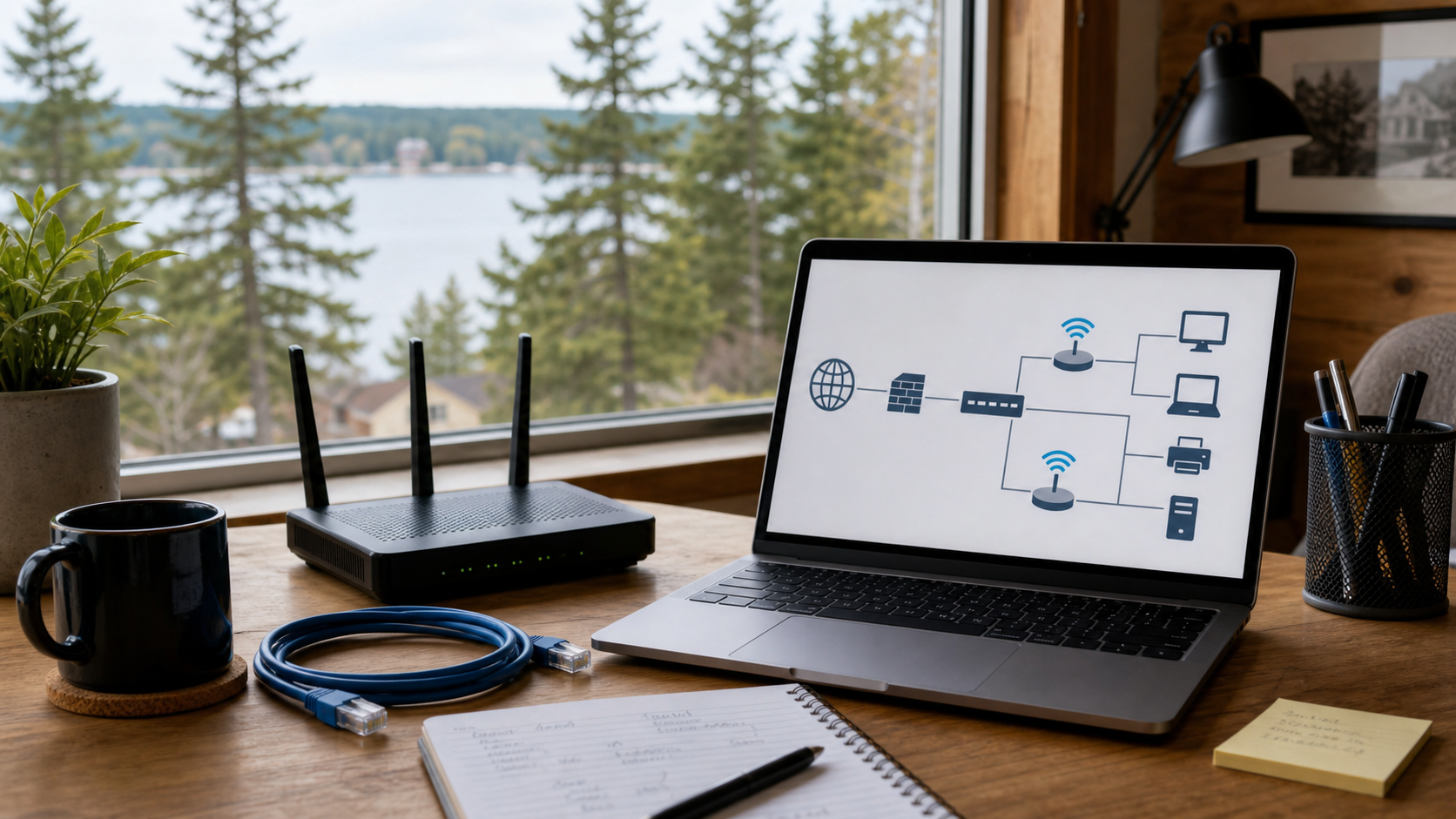
Field notes to fix-first plan
Plain-English findings you can act on.
Fixed-price review
Former employee access needs cleanup
Backups need a recovery test
Guest Wi-Fi should be separated
What is working
What is risky
What to fix first
Practical support for places where one or two people are often asked to handle IT on top of their regular jobs.
Keep email, shared files, printers, and employee access from slowing down the day.
Reduce everyday friction around secure logins, Wi-Fi, computers, and staff access changes.
Improve Wi-Fi, computers, guest access, and the small systems customers and staff rely on.
Support field-friendly email, devices, files, backups, and remote access without overcomplicating it.
Help with reliable Wi-Fi, computer setup, secure accounts, backups, and practical remote work.
Review the network, computers, shared files, and documentation your day-to-day work depends on.
Support for the technology that keeps your office, shop, clinic, farm, or home office moving.
Start with a fixed-price review that shows what is working, what is risky, and what should be fixed first.
Clean up employee access, reduce stolen-password risk, and make business email easier to manage day to day.
Fix weak coverage, dropped connections, guest Wi-Fi concerns, and messy equipment in offices, shops, and home workspaces.
Find out whether important files are protected and what would happen if a computer failed, files were deleted, or ransomware hit.
Set up new computers, fix slow systems, configure printers, move files, and get people back to normal work faster.
Turn repeated manual steps into simpler workflows so forms, files, approvals, and routine updates take less time.
Most businesses know when something is broken. The harder part is knowing where the hidden risks are before they cost time, money, or trust.
Think of it as a practical IT checkup. A Technology Health Check gives you a clear view of the technology your business depends on: email, computers, Wi-Fi, backups, user access, and the basic notes someone would need if you needed help quickly.
It is designed for small businesses that want honest guidance without being pushed into a long-term contract or a pile of unnecessary equipment.
Start with clarity
Fix the right things first
Quote follow-up work separately
Report packet
What is working well
What could cause trouble
What should be fixed first
A simple process that turns unclear technology concerns into a short, practical plan.
Step 1
We review the technology your business depends on and ask what has been frustrating, unreliable, or unclear.
Step 2
You get findings in plain English, grouped by what is urgent, what is important, and what can wait.
Step 3
You decide what to tackle first. Lund IT Services can help with cleanup, projects, or ongoing support.
These are the issues that often sit quietly in the background until they interrupt a normal workday.
After the Technology Health Check, choose scoped projects based on what matters most to your business.
Business Email and Microsoft 365 Cleanup
Wi-Fi and Network Improvement
Backup and Data Protection Setup
Computer Replacement and Setup
Set Up New Employees and Remove Old Access
Scoped Monthly IT Support
Save Time on Repeated Office Tasks
Lund IT Services is built for small businesses that need practical help from someone local who can explain what is happening, fix what matters, and avoid making technology more complicated than it needs to be.
A few practical answers for small business IT support in Bloomer, Rice Lake, Chippewa Falls, Eau Claire, Menomonie, and nearby communities.
No. The Technology Health Check is built for small businesses, but Lund IT Services also helps home users and home offices with Wi-Fi, computers, backups, smart home setup, and secure remote work.
No. The Health Check is a fixed-price starting point. After the report, you can choose what to fix first and whether you want follow-up help.
Lund IT Services serves Bloomer, Rice Lake, Chippewa Falls, Eau Claire, Menomonie, and surrounding Northwest Wisconsin communities. Remote support may be available for issues that do not require an on-site visit.
Next practical step