Local service area
Bloomer, Rice Lake, Chippewa Falls, Eau Claire, Menomonie, and surrounding communities.
Lund IT Services was created for small businesses that need a practical local IT contact before small technology problems become downtime, access issues, or expensive surprises.
You work directly with Lund IT Services, not a call center or rotating ticket queue.
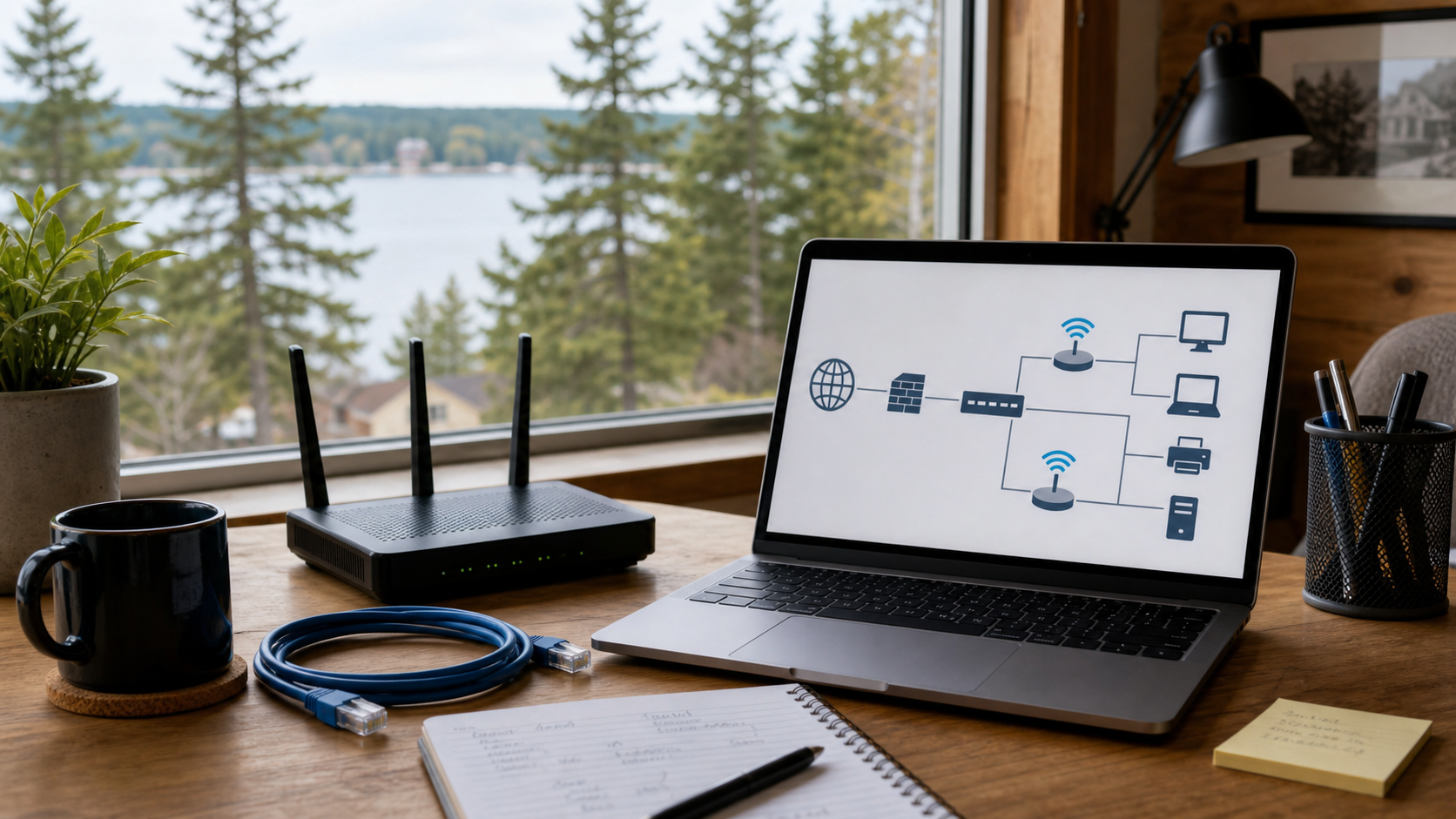
My background includes hands-on work with business email, Windows computers, account access, networking, security tools, automation, and business support systems. That experience helps me solve everyday issues while also spotting risks that are easy to miss.
I focus on clear explanations, secure setups, useful notes, and fixes that make sense for the size of your business.
That means I can help with secure employee logins, email issues, employee onboarding and offboarding, Wi-Fi problems, computer setup, backups, useful automation, and the systems that keep a small business running.
Business email and Microsoft 365 support
Secure employee logins and account access
Windows computer setup and troubleshooting
Wi-Fi and network cleanup
Cisco-certified network support
Firewall and remote access support
Security basics for small teams
Less repetitive office work
Forms, files, and workflow cleanup
Organized file sharing
Clear notes about equipment and vendors
Lund IT Services is focused on Northwest Wisconsin businesses and home offices that need useful help without a big-provider runaround.
Bloomer, Rice Lake, Chippewa Falls, Eau Claire, Menomonie, and surrounding communities.
You should understand what is wrong, what matters, and what can wait.
Recommendations should match the size, budget, and day-to-day reality of your business.
For customers who want the details, these are some of the systems and tools behind the practical support.
Next practical step
Start with a Technology Health Check or request help with a specific issue.